Answer a subject access request, export your data, and erase a client's records under UK GDPR.
For managers
Under UK GDPR and the Data Protection Act 2018, people can ask for a copy of their data and, in some cases, ask for it to be erased. As the care provider, you are the data controller. Care App gives you the tools to respond.
Export a client's data (subject access request)
- In the sidebar, open System and choose Data & Privacy.
- Under Export Client Data, choose the client.
- Press Export JSON. A file with every record about them downloads. The export is logged in the audit trail.
Export your organisation's data
- Open System, then Data Export.
- Choose a date range if you want one.
- Press Export CSV for one type of record, or Export All (JSON) for everything.
Erase a client's data
- Make sure the client's Discharge Date is on their profile.
- Open Data & Privacy and go to Right to Erasure - Delete All Client Data.
- Choose the client and read the list of records that will be deleted.
- Type the client's full name to confirm.
- Press Permanently Delete All Data.
Erasure is permanent. Records are removed for good 30 days after you erase them. Export a copy first if you might need it.
Good to know
- Care records must be kept after care ends. Care App only lets you erase a client with care records 8 years after their care ended. It tells you the date they can be erased from.
- A client added by mistake, with no care recorded, can be erased at any time.
- Controlled drugs, safeguarding and complaints records are kept because the law requires it. They are included in the export.
- The audit trail, rota and pay records are kept, but the client's name is replaced with "Erased client".
- If an erasure did not finish, it is listed under Erasures that did not finish. Press Finish erasure.
- Treat export files as confidential. Store them securely and delete them when you no longer need them.
- Only the Management role can use these tools.
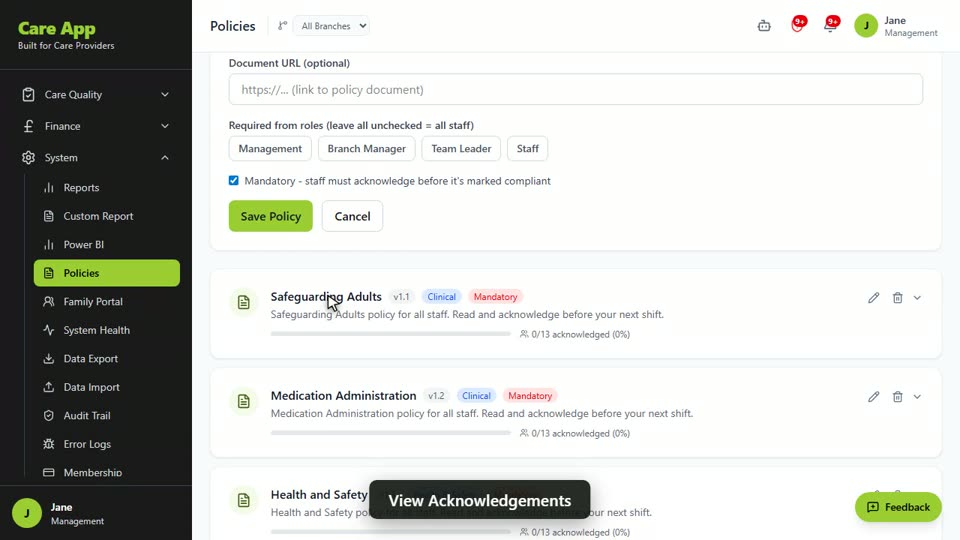
Watch the guide video: Video 14: Policies, the audit trail and data export (2:18)
Videos were recorded in September 2026, so a few screens may look slightly different today.
Still stuck? Email hello@care-app.uk and tell us which screen you were on. We aim to reply within a few hours.