Turn on phone notifications, use the bell, and choose which roles are told about what.
For managers and carers
Turn on phone notifications
- On iPhone or iPad, first add Care App to your Home Screen and open it from there.
- When the banner says "Get notified about new messages, shifts and alerts", press Turn on notifications.
- Press Allow when your phone asks.
Use the bell
- Press the bell at the top of the screen. A red number shows how many are unread.
- Press a notification to open the record it is about. It is marked as read.
- Press Mark all read to clear the count.
Choose who is notified about what (Management role)
- Go to System, then Settings, and open the Notifications tab.
- Under Push Notification Preferences, turn each type on or off for Management, Branch Manager, Team Leader and Staff. Types include holiday requests, shift assignments, missed doses and staff not clocked in.
Good to know
- Notification settings are set for each role across the organisation. There are no personal settings.
- Medication errors, deterioration alerts and safeguarding notifications are always sent and cannot be turned off.
- If you pressed Not now, or blocked notifications, turn them on in your phone's settings for your browser or for Care App.
- Carers on a shift with a client get a reminder shortly before each medication dose time.
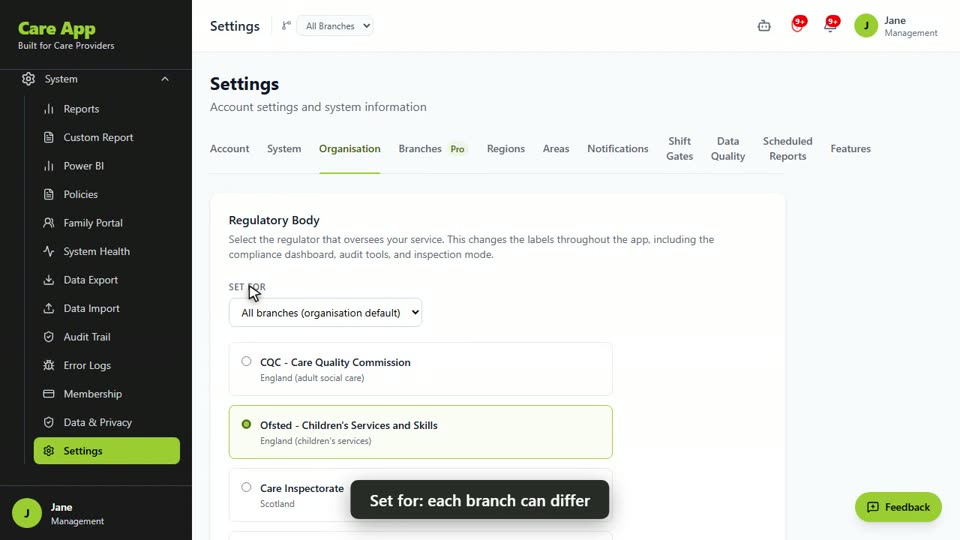
Watch the guide video: Video 4: Configuring Care App to fit your service (3:05)
Videos were recorded in September 2026, so a few screens may look slightly different today.
Still stuck? Email hello@care-app.uk and tell us which screen you were on. We aim to reply within a few hours.