Add Care App to your phone's home screen so it opens like any other app. No app store needed.
For managers and carers
Care App runs in your phone's web browser. Adding it to your home screen gives it its own icon and lets it open full screen. On iPhone, you need to do this before you can get notifications.
On Android (Chrome)
- Open app.care-app.uk in Chrome and sign in.
- If a banner says Install Care App for offline access, press Install. You can also use Install App on Device at the bottom of the menu.
- If neither appears, press the three dots at the top right and choose Install app or Add to Home screen.
On iPhone or iPad (Safari)
- Open app.care-app.uk in Safari. It must be Safari.
- Press the Share button (the square with an arrow pointing up).
- Scroll down and press Add to Home Screen.
- Press Add.
Good to know
- There is nothing to download from an app store. Updates arrive by themselves.
- Once installed, the install prompts stop showing.
- Open Care App before you go somewhere with poor signal. See Working with no signal.
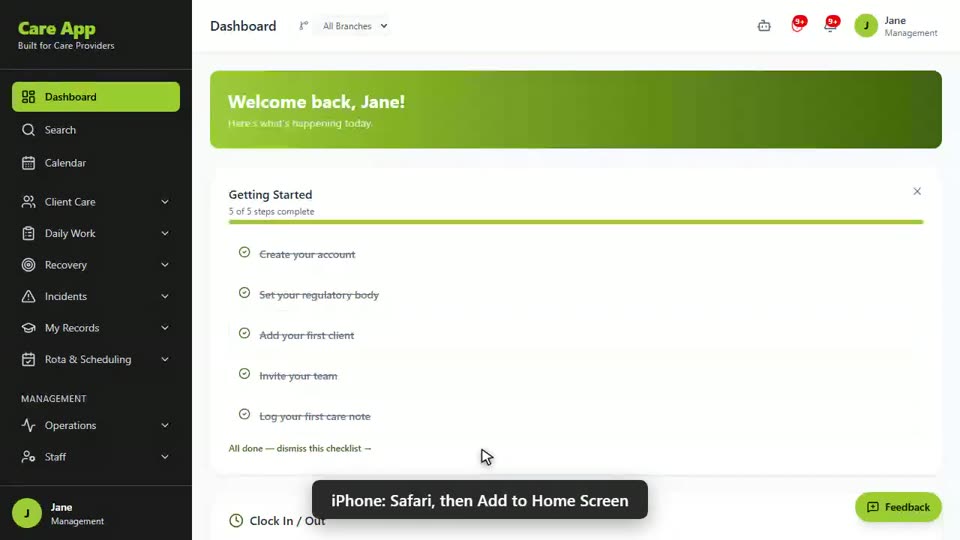
Watch the guide video: Video 5: Installing the app, passwords and signing out (1:49)
Videos were recorded in September 2026, so a few screens may look slightly different today.
Still stuck? Email hello@care-app.uk and tell us which screen you were on. We aim to reply within a few hours.