Set your password from your invite email, sign in, change your password and sign out.
For managers and carers
Set your password for the first time
- Open the invite email from Care App and press the link in it. The link works for one hour.
- On the Set Your Password screen, type a new password in New Password. It must be at least 10 characters.
- Type it again in Confirm Password.
- Press Set Password & Continue. You will see Password Set.
- Press Go to Login and sign in.
Sign in
- Go to app.care-app.uk, or open Care App from your home screen.
- Enter your Email Address and Password. Press the eye icon if you want to check what you typed.
- Press Sign In.
- If you are a manager or team leader, you may be asked to set up two-factor authentication. Scan the QR code with an authenticator app, press Continue - Enter Verification Code, type the code and press Activate MFA. After that, each sign-in asks for the 6-Digit Code from the app.
Forgot your password
- On the sign-in screen, type your email address first.
- Press Forgot your password?
- Open the email and follow the link to choose a new password.
Change your password
- Press your name or picture at the top right and choose Settings.
- On the Account tab, find Change Password.
- Enter your Current password, then your New password twice.
- Press Update Password.
Sign out
- Press your name or picture at the top right.
- Press Sign Out.
Good to know
- Each account can be signed in on one browser and one phone or tablet at a time. Signing in somewhere new signs you out of the old one.
- Managers and team leaders are signed out after 2 hours with nothing done. A warning appears first with Stay signed in.
- If the invite link has expired, you will see Link Invalid. Use Forgot your password? on the sign-in screen to get a fresh link, or ask your manager to send the invite again.
- Never share your password. Medication records and notes are signed under your name and Staff ID.
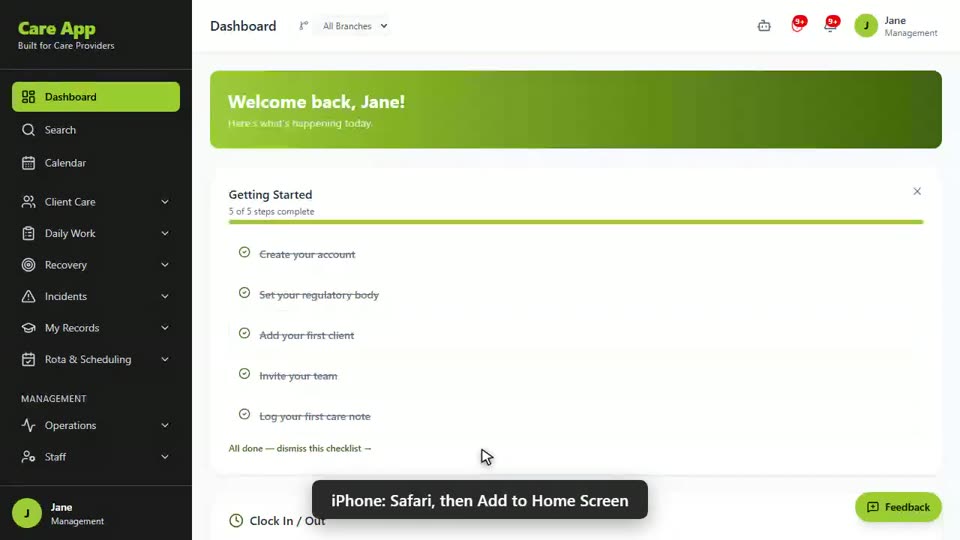
Watch the guide video: Video 5: Installing the app, passwords and signing out (1:49)
Videos were recorded in September 2026, so a few screens may look slightly different today.
New to the app? Video 1: Signing in and finding your way around (1:00) gives a quick tour of the menu.
Still stuck? Email hello@care-app.uk and tell us which screen you were on. We aim to reply within a few hours.