Report a medication error so it can be investigated, and ask for more stock before it runs out.
For managers and carers
Report a medication error
- Make sure the person is safe first. Get medical advice if you need to.
- In the sidebar, open Incidents and choose Medication Errors, then press Report Error.
- Fill in the Medication Name, Error Type (for example Wrong Dose or Missed Dose) and Severity.
- Add the Date of Error, the time, and the client.
- Describe what happened in Description of Error and what you did in Immediate Action Taken.
- Tick who has been told: the manager, family, or GP. If you tick GP, add the date and their advice.
- Press Submit Report. Managers are notified.
Investigate a medication error (managers and team leaders)
- Open the report and press Mark as Investigating.
- Record the Investigation Findings and Preventive Actions.
- Press Mark as Resolved.
Request a reorder
- Open the medicine from the client's Medication tab.
- Press Request Reorder, add any notes and press Submit Request.
- Managers track it under Care Quality, Reorder Requests, moving it from Requested to Ordered to Received.
Good to know
- Anyone can report a medication error. Reporting near misses helps stop real errors.
- "Near Miss" means the error was caught before it reached the person.
- Set a Low Stock Alert Threshold on each medicine so you are warned before stock runs out.
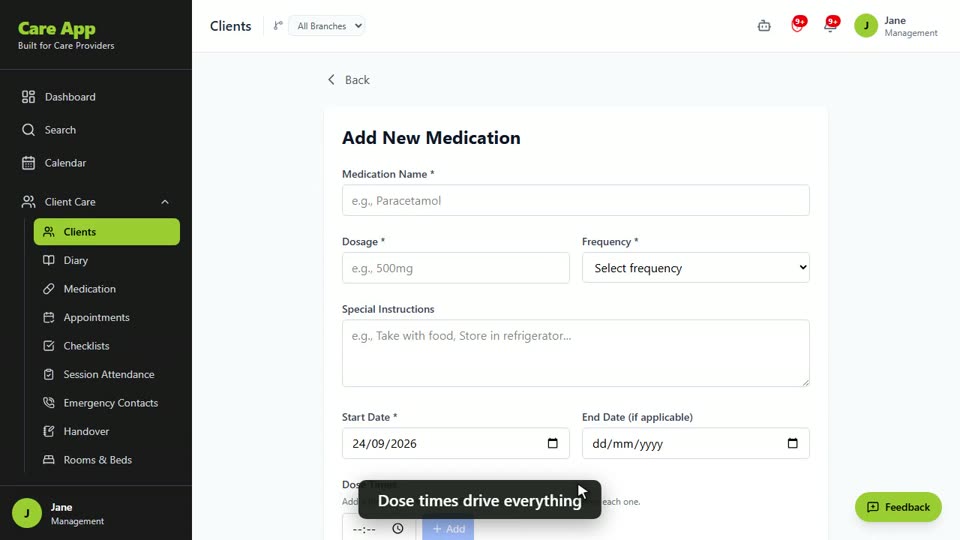
Watch the guide video: Video 11: Medications, MAR charts and reorders (2:38)
Videos were recorded in September 2026, so a few screens may look slightly different today.
Still stuck? Email hello@care-app.uk and tell us which screen you were on. We aim to reply within a few hours.