Record each dose as Administered, Refused or Missed, then check and print the MAR chart.
For managers and carers
Record a dose with the full form
- Open the client's profile, go to the Medication tab and press Log Medication.
- Under Select Medication, choose the medicine. Check Recent Logs to see when it was last recorded.
- Under Action, press Administered, Refused or Missed.
- Check Count Before and enter the Count After.
- Add Notes. Always add a note for a refused or missed dose.
- Type your Staff ID to sign the record.
- Press Submit Medication Log, check the summary, then press Confirm & Submit.
Record a dose during a visit
- On the visit screen, scroll to Medication. It shows how many doses are due.
- Press Given, Refused or Missed next to each medicine. It saves straight away.
- When every due dose is recorded, the section shows All logged.
Read and print the MAR chart
- On the client's Medication tab, open MAR Chart.
- Choose the Month. Each medicine has a row for each dose time, like a paper MAR. A cell shows the initials of the staff member who gave the dose, R for refused or M for missed. A dash means the dose was not due that day, and a red outlined cell means a dose was due but nothing was recorded. Hover over a cell for details.
- To print or save a PDF, press Export MAR, choose the month, and use your browser's print window.
Good to know
- Once submitted, a medication record cannot be edited. If you made a mistake, tell your manager straight away.
- If the same medicine was recorded in the last hour, Care App warns you of a possible duplicate. Only tick I have checked and this is a separate entry if it really is a second dose.
- If your account has no Staff ID, you cannot sign medication records. Ask a manager to add one.
- The visit screen buttons are quick but do not record stock counts or notes. Use Log Medication when you need to add a note.
- On the medicine's page, each dose time shows as Upcoming, Due Now (up to 45 minutes after the time) or Overdue.
- The MAR export is not available during a free trial.
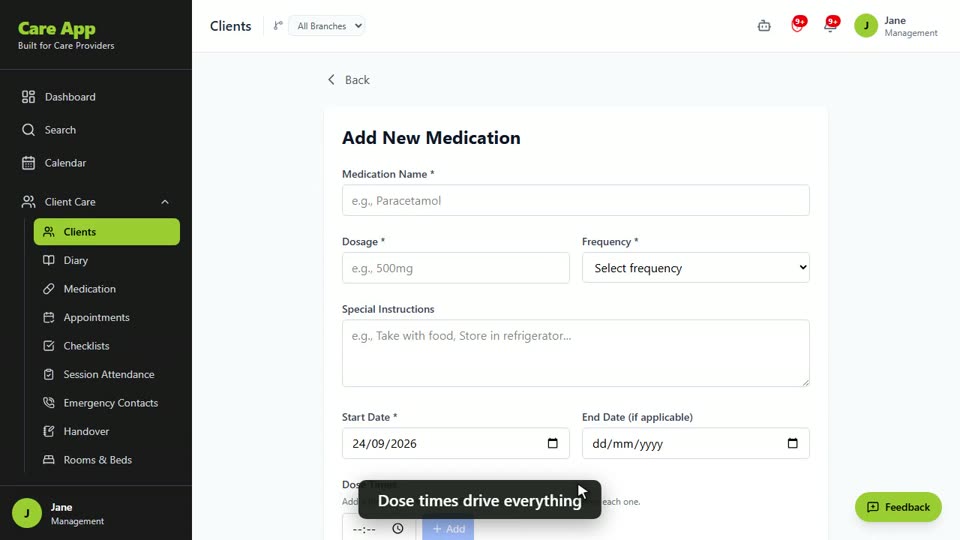
Watch the guide video: Video 11: Medications, MAR charts and reorders (2:38)
Videos were recorded in September 2026, so a few screens may look slightly different today.
Still stuck? Email hello@care-app.uk and tell us which screen you were on. We aim to reply within a few hours.