The difference between a refused dose and a missed dose, and what Care App does when nobody records a dose.
For managers and carers
| Record | Use it when | Colour on the MAR |
|---|---|---|
| Administered (or Given) | The person took the dose. | Green |
| Refused | You offered the dose and the person said no. | Yellow |
| Missed | The dose was not offered or not taken for another reason, for example the person was out, asleep, or the medicine was not available. | Red |
What to do if a dose is refused or missed
- Record it straight away with Refused or Missed.
- Use Log Medication so you can add a note. Say what happened and what you did, for example "Offered twice, declined, said she felt sick".
- Tell your manager or the person in charge.
- Follow your service's medication policy, which may mean contacting the GP or pharmacist.
- If the miss was a mistake, also report a medication error.
When Care App marks a dose as missed for you
Care App checks every 15 minutes. If nothing has been recorded for a dose by about 45 minutes after its dose time, it adds a Missed record with the name System (auto-detected). Managers and team leaders get a Missed Dose Detected notification.
Good to know
- If the dose was in fact given late, record it as normal as soon as you can. When you record it within 3 hours, the MAR chart shows your record instead of the automatic one.
- Never record a dose as given when it was not. Records are signed with your Staff ID.
- There is no "not required" or "withheld" button. Choose Missed and explain in the note.
- PRN (as needed) medicines are never marked missed, because they have no fixed time.
- Medicines without dose times are not checked. See Set up a medication.
- The Medication page in the sidebar shows Missed Today and a red banner listing the clients affected.
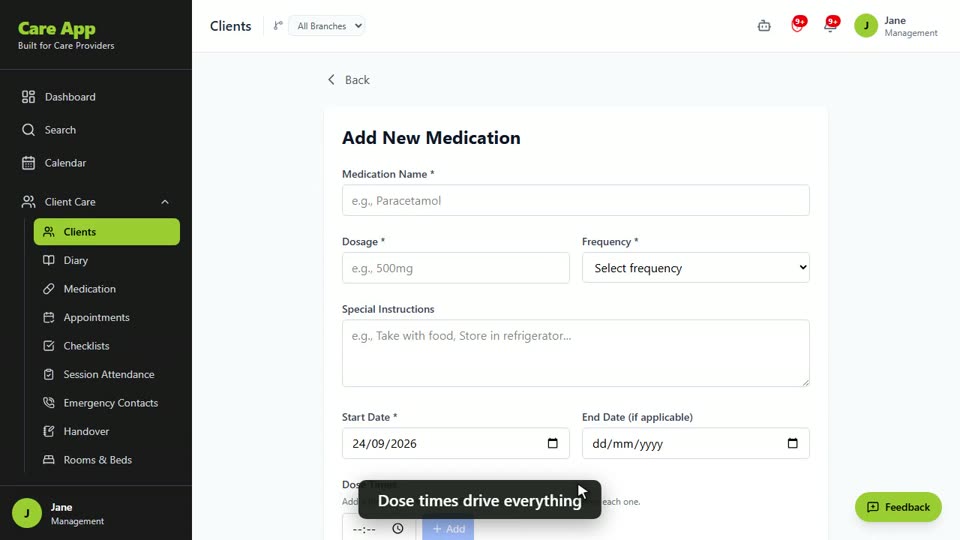
Watch the guide video: Video 11: Medications, MAR charts and reorders (2:38)
Videos were recorded in September 2026, so a few screens may look slightly different today.
Still stuck? Email hello@care-app.uk and tell us which screen you were on. We aim to reply within a few hours.