Set a PRN protocol for as-needed medicines and keep a running controlled drugs register.
For managers and carers
Add a PRN protocol (managers and team leaders)
- Set the medicine up with the frequency As needed (PRN). See Set up a medication.
- Open the medicine from the client's Medication tab and press PRN protocol.
- Press Add PRN Protocol.
- Fill in When to Give (Indications / Symptoms), Maximum Daily Dose, Dose Unit and Minimum Time Between Doses (hours).
- Add any Additional Instructions and press Add Protocol.
Give a PRN dose (carers)
- Read the PRN protocol on the medicine's page first.
- Check Recent Logs to see when it was last given.
- Record the dose with Log Medication as Administered, or press Given under As needed on the visit screen, and say why in the notes.
Use the controlled drugs register
- Open the medicine and press Controlled drugs register.
- Press Add Entry.
- Enter the Date and Time, and choose the Entry Type: Received, Administered, Disposed or Returned to Pharmacy.
- Enter the Quantity as a whole number. The new balance is worked out from the register.
- Add the witness's ID and name, and the batch number.
- Press Save Entry.
Good to know
- Care App checks the PRN protocol when a dose is recorded as given. If the last dose was too recent, or the most allowed in 24 hours has been given, it says why and when the next dose can be given, and the dose is not recorded.
- The controlled drugs register is separate from the MAR. When you give a controlled drug, record it in both.
- In residential, nursing, supported living, learning disability and mental health services, a witness is needed to record a controlled drug as administered or disposed. In domiciliary care a carer is often alone, so the witness is optional and the entry is marked as having no witness.
- The balance comes from the register itself, so two people recording at the same time still get the right balance. An entry that would take the balance below zero is not saved.
- Register entries cannot be edited once saved.
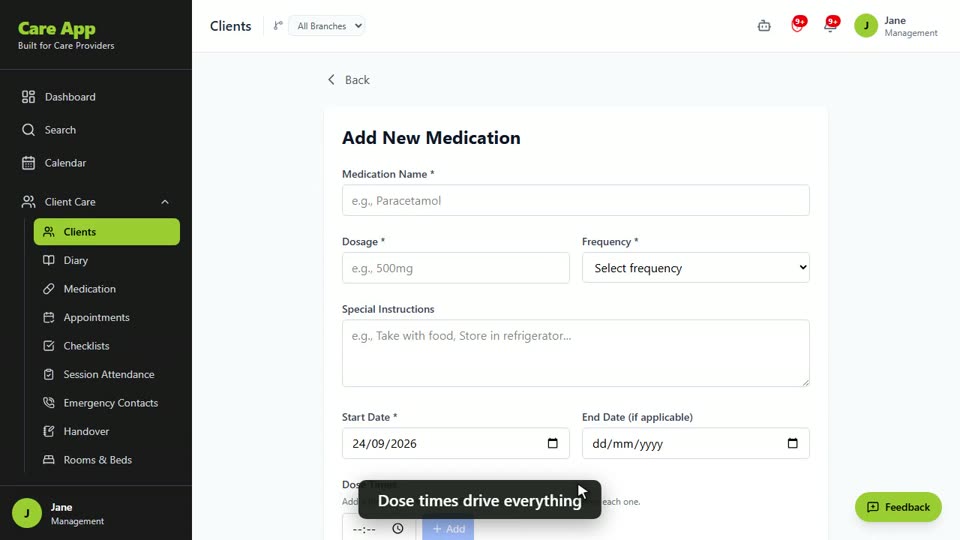
Watch the guide video: Video 11: Medications, MAR charts and reorders (2:38)
Videos were recorded in September 2026, so a few screens may look slightly different today.
Still stuck? Email hello@care-app.uk and tell us which screen you were on. We aim to reply within a few hours.