Record a discharge, move a client out of your active list, or remove a record added by mistake.
For managers
Record a discharge
- Open the client's profile and press Edit Client.
- Under Admission & Discharge, enter the Discharge Date.
- Fill in the Discharge Reason that appears.
- Press Save Client. The Overview now shows "Discharged" with the date and reason.
Archive a client
- Open the client's profile and press Archive.
- Read the message and press Archive Client.
- To see archived clients, go to Clients and press Archived. Open a client and press Restore to bring them back.
Delete a client added by mistake
- Open the client's profile and press Delete.
- Read the warning carefully. It deletes the client and all their records.
- Press Yes, Delete Permanently only if you are sure.
Deleting cannot be undone. For anyone who has received care, archive them instead. Care records must be kept for years after care ends.
Good to know
- Recording a discharge does not archive the client. Do both when someone leaves your service.
- Archiving keeps every record and can be undone at any time.
- Add the discharge date even if you archive. Care App uses it to work out when the records can be erased. See Data protection, exports and erasure.
- Only managers and team leaders see these buttons.
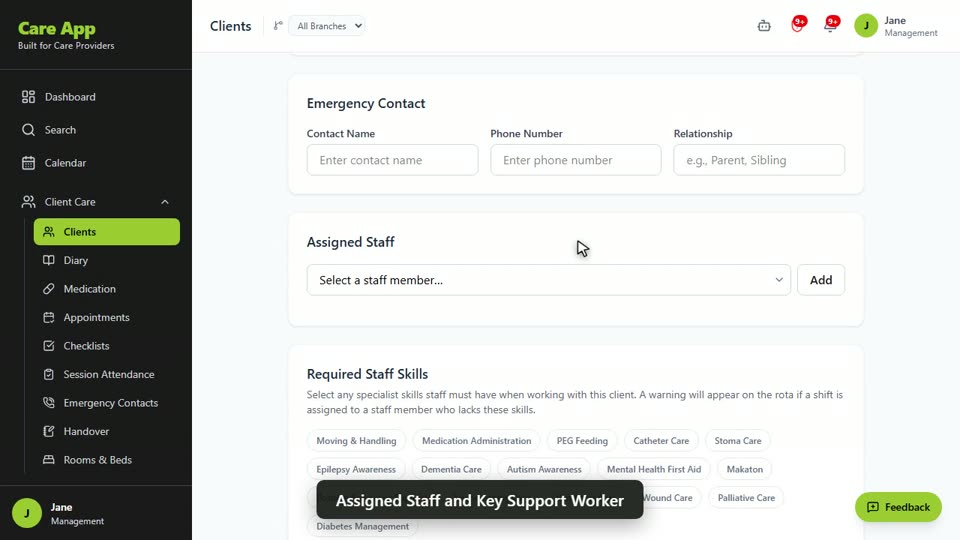
Watch the guide video: Video 2: Adding and managing a client (2:34)
Videos were recorded in September 2026, so a few screens may look slightly different today.
Still stuck? Email hello@care-app.uk and tell us which screen you were on. We aim to reply within a few hours.