Write a person-centred care plan, sign it off and record its reviews.
For managers and carers
Write a care plan (managers and team leaders)
- Open the client's profile and go to the Care Plans tab.
- Press New Care Plan.
- Under Plan Details, leave Status as Draft while you write. Check the Review Date. It starts at 6 months from today.
- Write About Me in the person's own words where you can. You can dictate instead of typing.
- Under Support Sections, press Add Section, or use Add a section from a template.
- For each section, choose the Domain / Area of Support, then fill in Need, Goal, How to Support and Preferences.
- Press Add Another Section until every area is covered.
- Press Create Care Plan.
- When the plan is ready, open it, press Edit full plan, set Status to Active and press Save Changes.
Sign off and review
- Open the plan. In the sign-off panel, press Sign off, then Confirm sign-off. A version is saved and the record is locked.
- When a review is due, press Record Review, write your Notes and press Save Review. The plan becomes Active and the next review is set for 6 months later.
- To change a locked plan, press Unlock to edit and give a reason.
Read a care plan (carers)
- Open the client from Clients, or press Care plan on the visit screen.
- Go to the Care Plans tab and open the plan.
Good to know
- Carers can read care plans but cannot change them. Tell your manager if something in a plan is out of date.
- The plan shows (due soon) within 30 days of its review date and (overdue) after it.
- Any edits made after sign-off are marked Edited after sign-off, and Version history shows earlier versions.
- No templates yet? See Use starter templates.
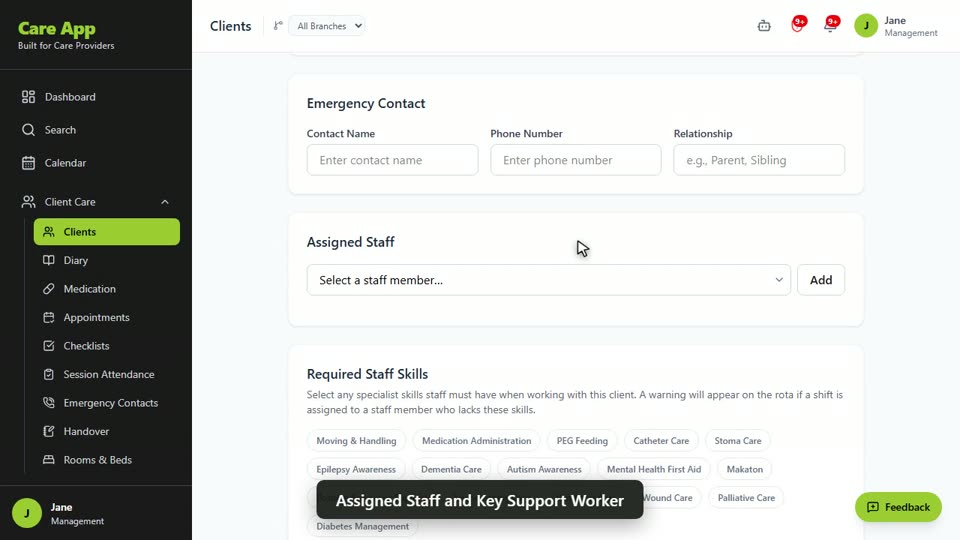
Watch the guide video: Video 2: Adding and managing a client (2:34)
Videos were recorded in September 2026, so a few screens may look slightly different today.
Still stuck? Email hello@care-app.uk and tell us which screen you were on. We aim to reply within a few hours.